

Exploring SOLIDWORKS Manage Our previous webinar explored different approaches to managing engineering data. In this on-demand webinar we take a deeper dive into SOLIDWORKS Manage and demonstrate how it connects engineering data with business processes. Through live demonstrations and real-world examples, we explore: Project management Change management Item and BOM [...]

Managing SOLIDWORKS network licenses can be quick and straightforward when using the automatic activation method. Whether you are setting up a new license, transferring an existing license to another server, or reactivating a license after a system change, the SolidNetWork License Manager provides the necessary tools to manage your network [...]
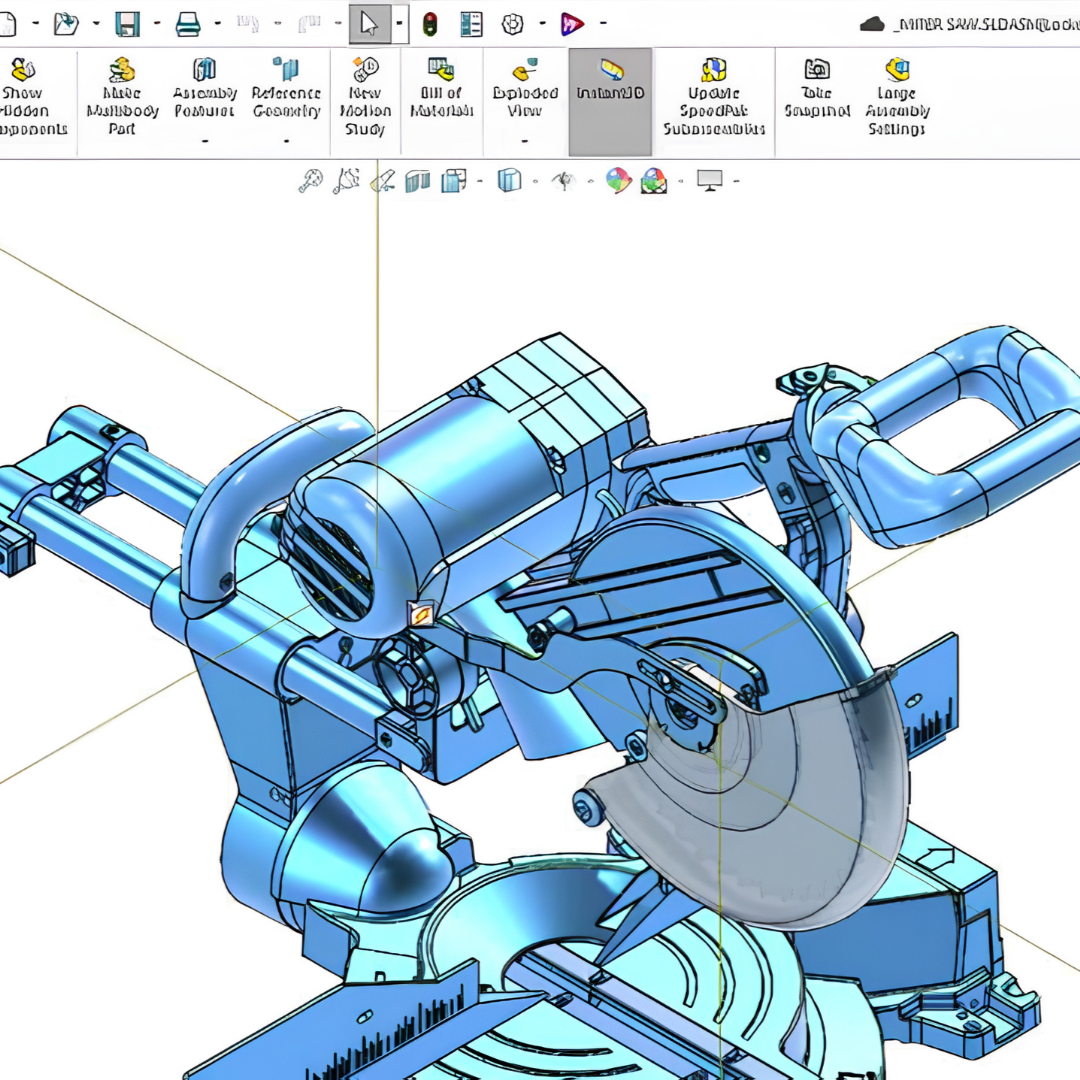
The AI enhancements introduced in FD03 reduce manual effort, simplify complex workflows, and help you stay focused on solving design challenges rather than repetitive tasks. Watch the video to explore AI enhancements in the FD03 release, including these updates: 💬 Work with AI using natural language through the unified LEO [...]
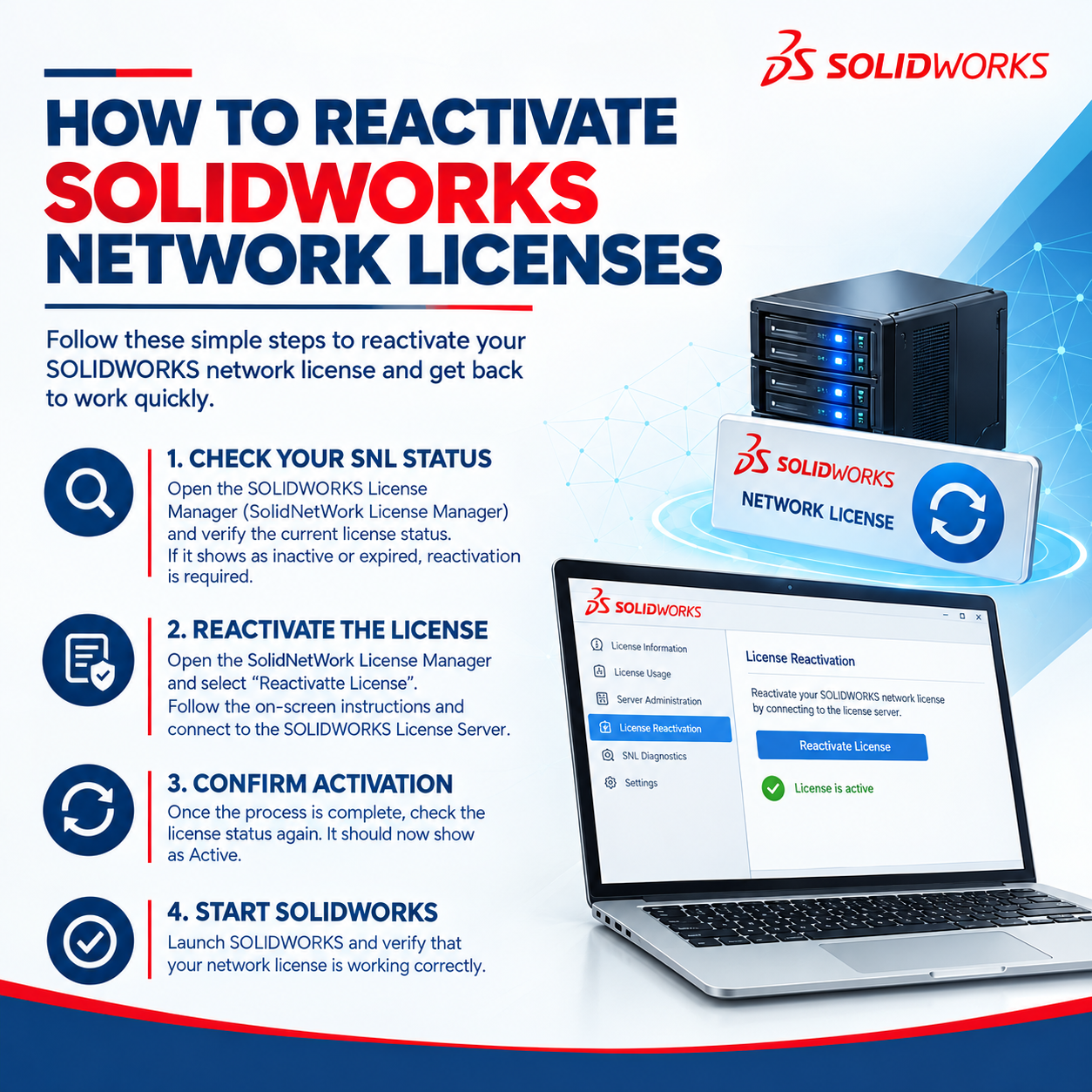
If you have recently renewed your subscription or purchased additional SOLIDWORKS network licenses of the same product type, you must reactivate the existing serial numbers in the SolidNetWork License Manager. Reactivation updates the entitlement date on the SolidNetWork License Manager server. If additional licenses were purchased, they will also be [...]
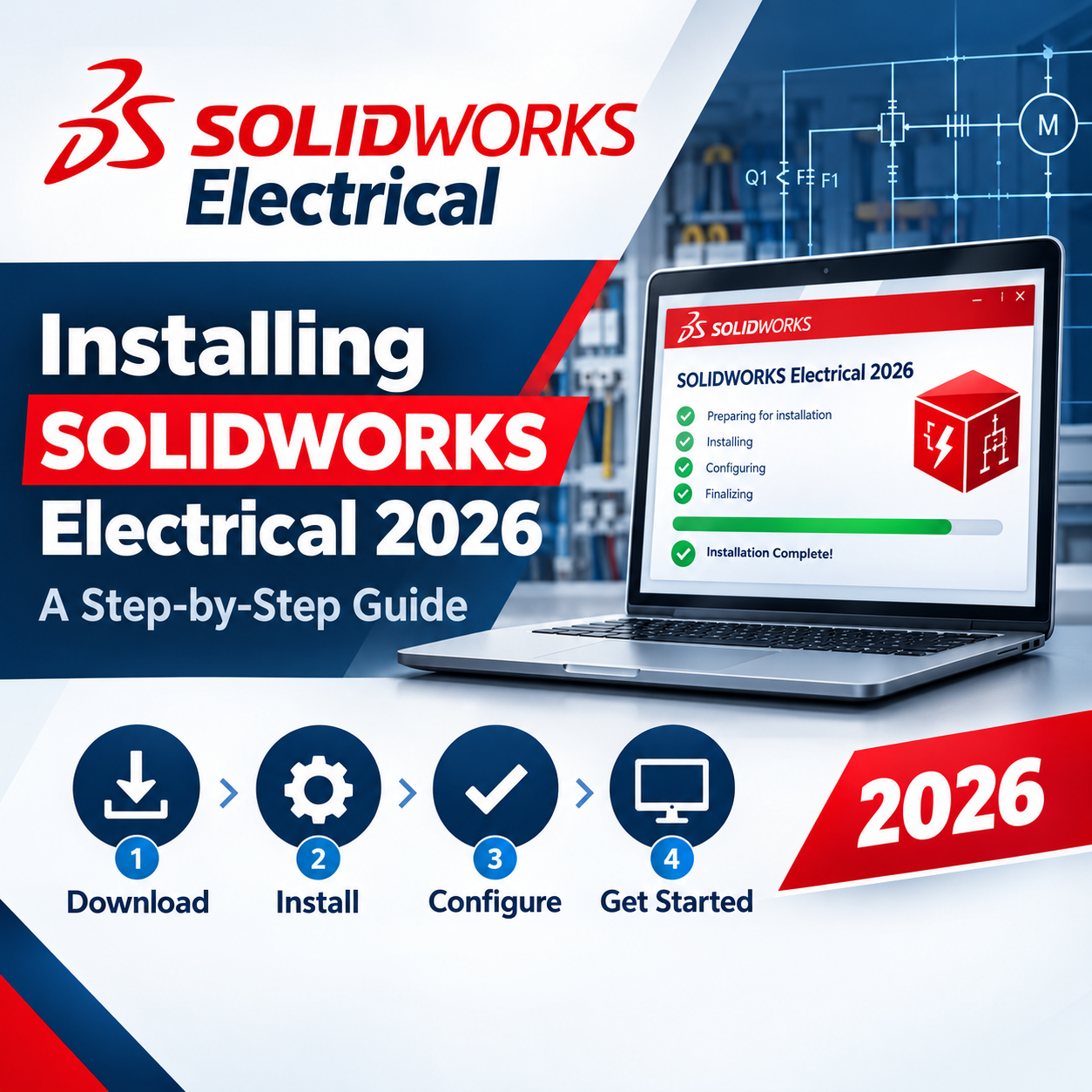
Setting up SOLIDWORKS Electrical correctly the first time saves you from license conflicts, missing components, and re-installation headaches down the line. Whether you're rolling it out for a single designer or an entire electrical team, this guide walks through the installation from prerequisites to first launch. These steps also help [...]
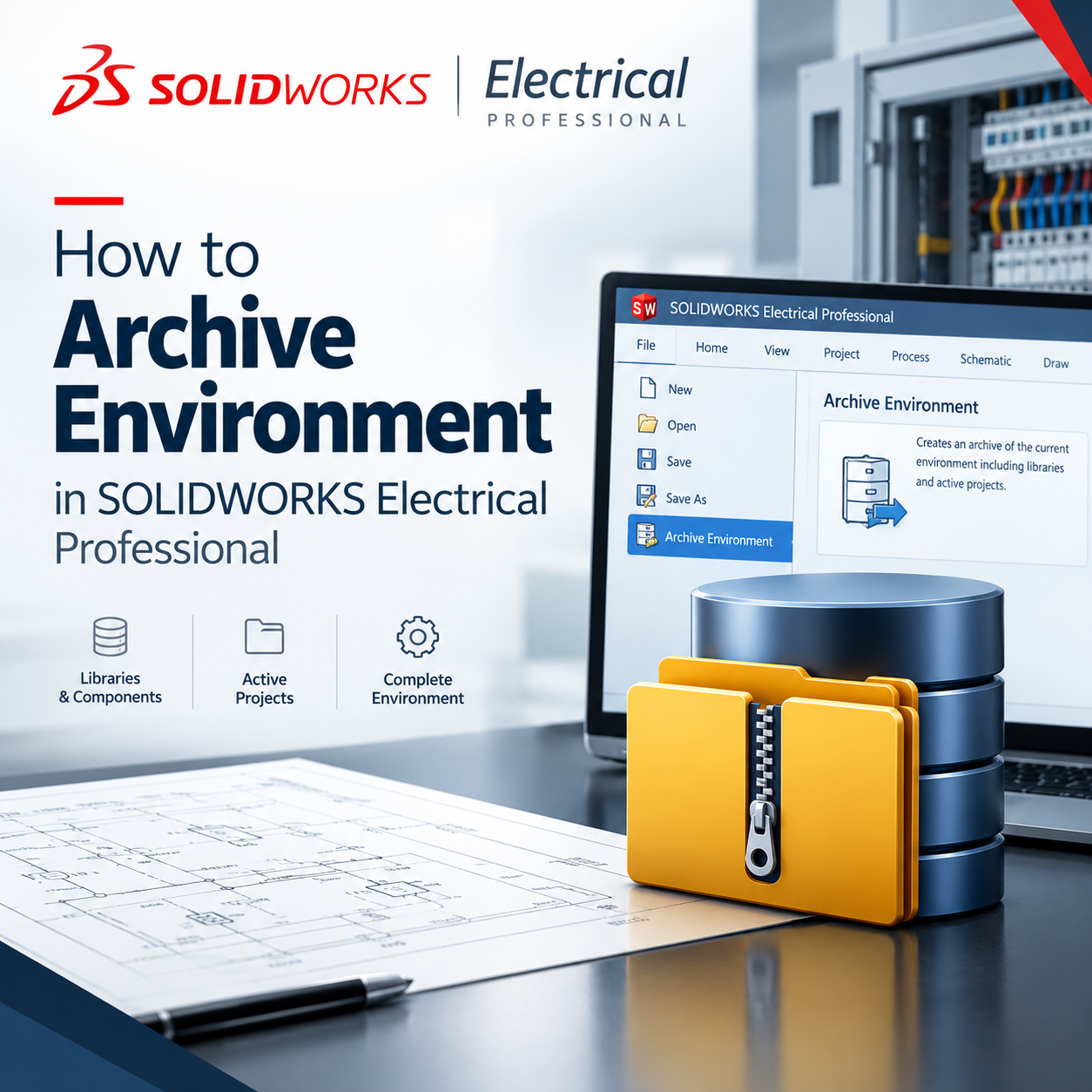
The recommended way to back up or migrate your SOLIDWORKS Electrical environment is by using an Environment Archive. This archive can include all library items and active projects. The overall archive size will depend on the amount of data in your environment and whether you are using SOLIDWORKS Electrical 3D, [...]
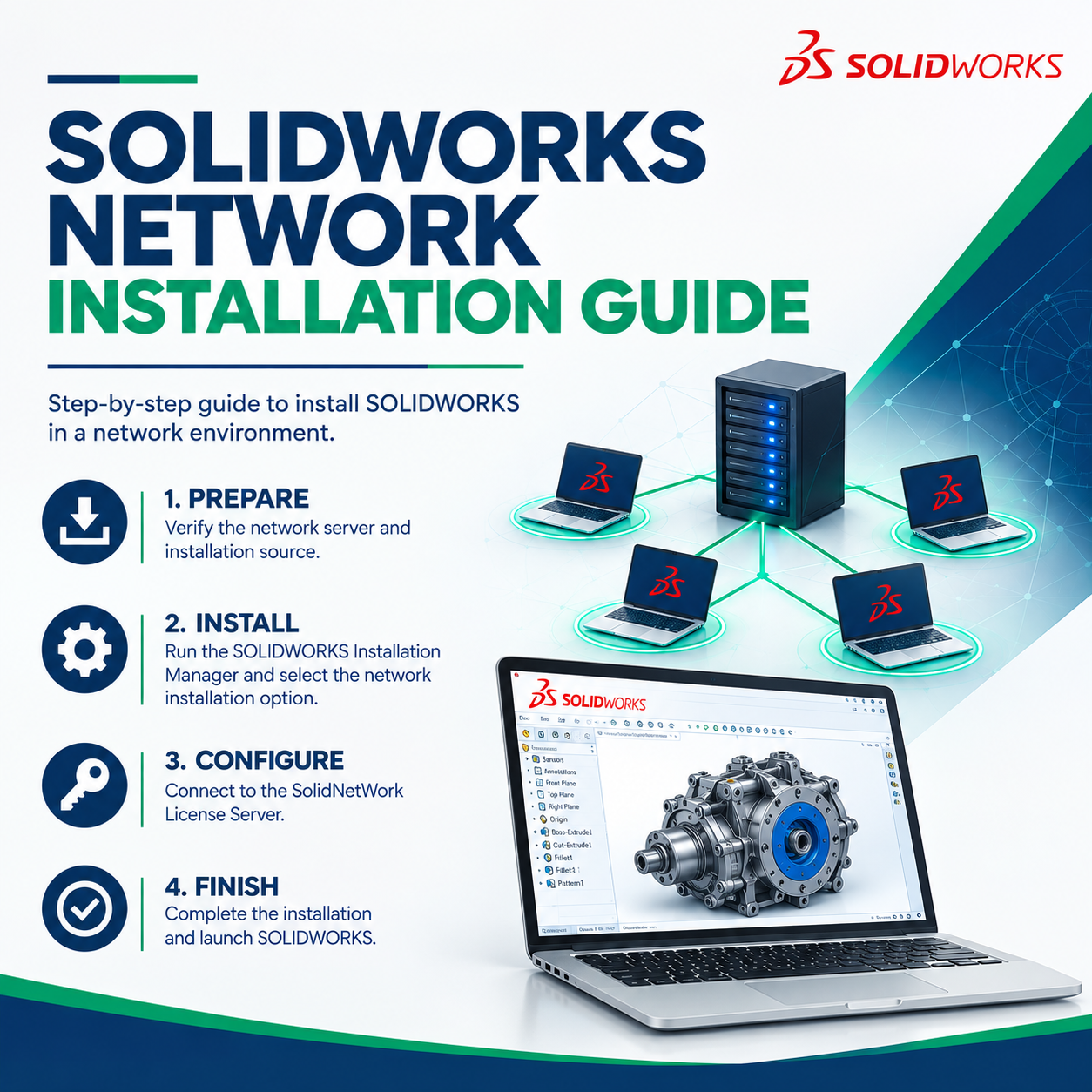
This guide provides an overview of how to install and configure the SolidNetWork License (SNL) Manager, which enables organizations to manage and distribute SOLIDWORKS network licenses across multiple client computers. With floating network licensing, multiple users can share a pool of available licenses without requiring a dedicated license for every [...]
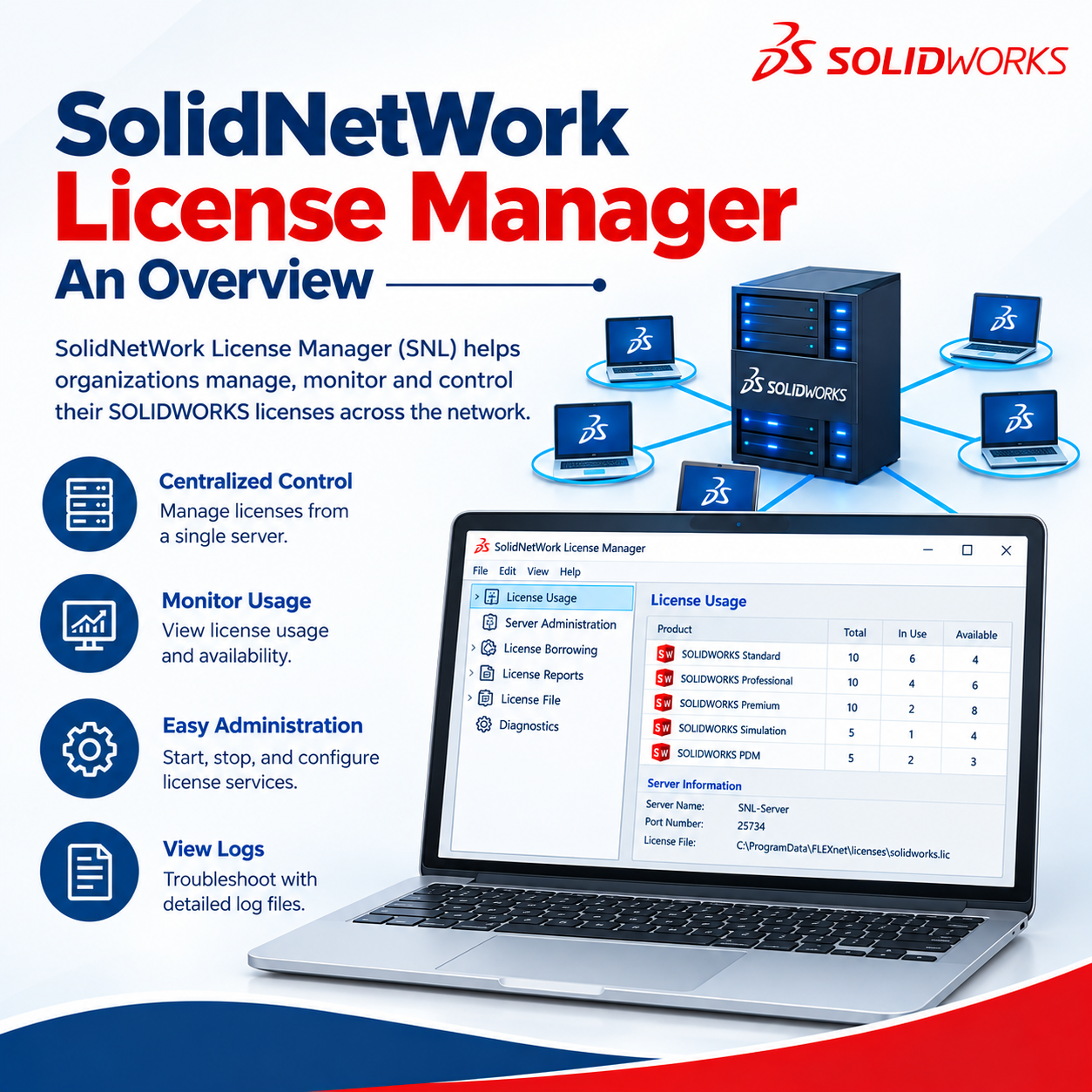
This article provides an overview of the SolidNetWork License Manager (SNL) Server, an application used to manage and distribute SOLIDWORKS network licenses. Server Administration The Server Administration tab is available only in the SolidNetWork License Manager Server application installed on the license server. This section is typically managed by the [...]
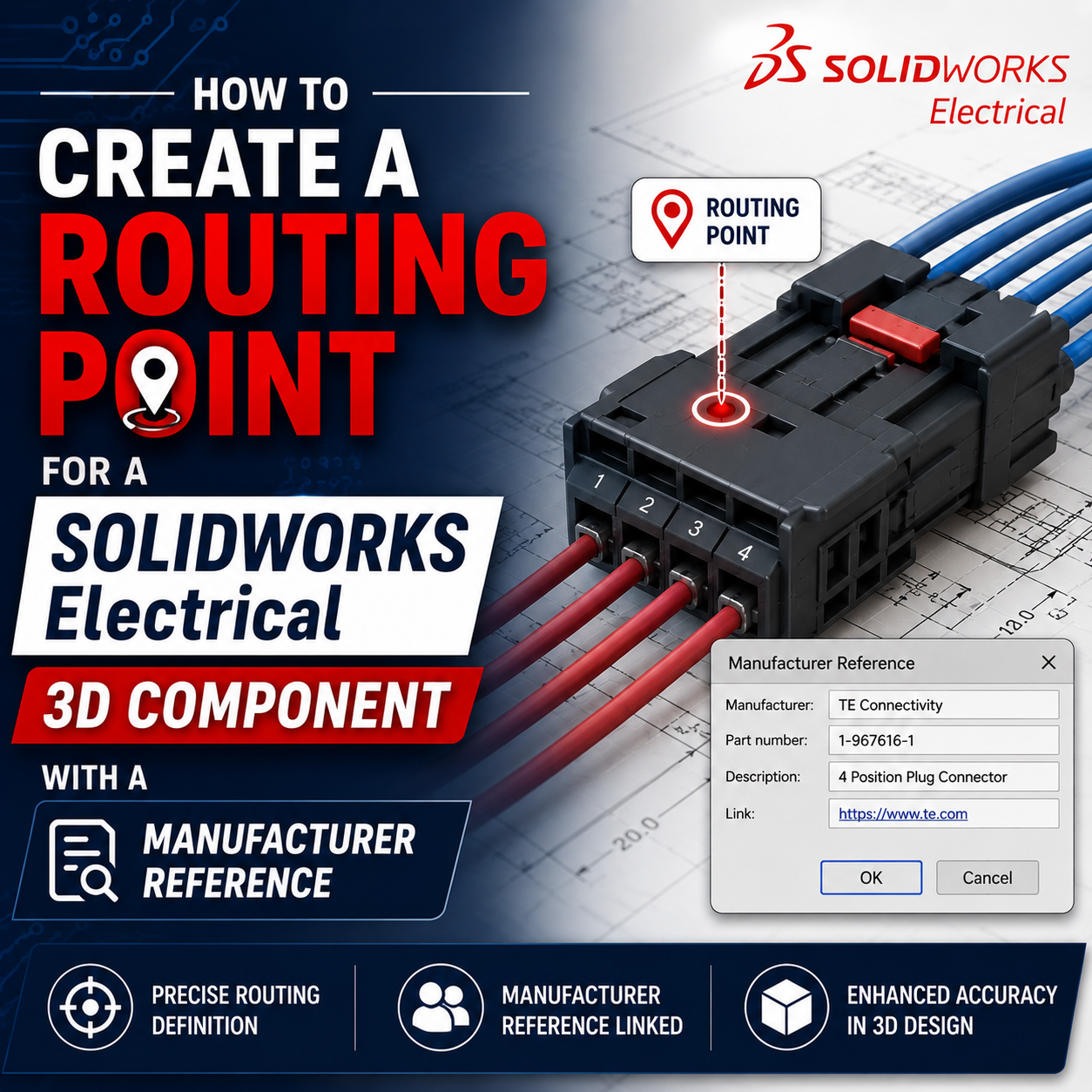
Routing components are the foundation of any SOLIDWORKS Electrical 3D design. They define the exact locations where wires, cables, or harnesses begin and end on real-world, manufacturer-specific components. Properly defining routing points on connectors ensures that SOLIDWORKS Electrical can create accurate and physically realistic routes, helping maintain design accuracy and [...]

As electronic systems become smaller, faster, and more power-dense, electromagnetic interference (EMI) risks increase—threatening performance, safety, and regulatory compliance. Watch now as we explore modern simulation-driven approaches to EMC/EMI prediction. You'll learn how to: Model radiated and conducted emissions Analyze coupling paths Evaluate shielding effectiveness Assess grounding and filtering strategies [...]
Designing machinery is a difficult task. With ever changing requirements and deadlines, getting the design completed faster is always a priority. Ensuring that the design is done correctly can add to these challenges. SOLIDWORKS has long-standing toolsets for machine design, and recent developments in SOLIDWORKS have unlocked the potential to [...]

SOLIDWORKS 2026 brings enhancements across the entire SOLIDWORKS Portfolio, with new features that are sure to help electrical designers to streamline workflows, reduce errors, and offer greater control over design features. These updates to SOLIDWORKS Electrical also strengthen collaboration between mechanical and electrical teams—making it easier to align across disciplines. [...]

Optimize Layout, Flow, & Throughput Before You Build Explore how virtual factory capabilities with SOLIDWORKS enable you to design, simulate, and optimize plant layouts and production systems in a fully virtual environment. Most factories are designed in pieces—layouts in CAD, throughput in spreadsheets, and decisions made on assumptions. The result? [...]
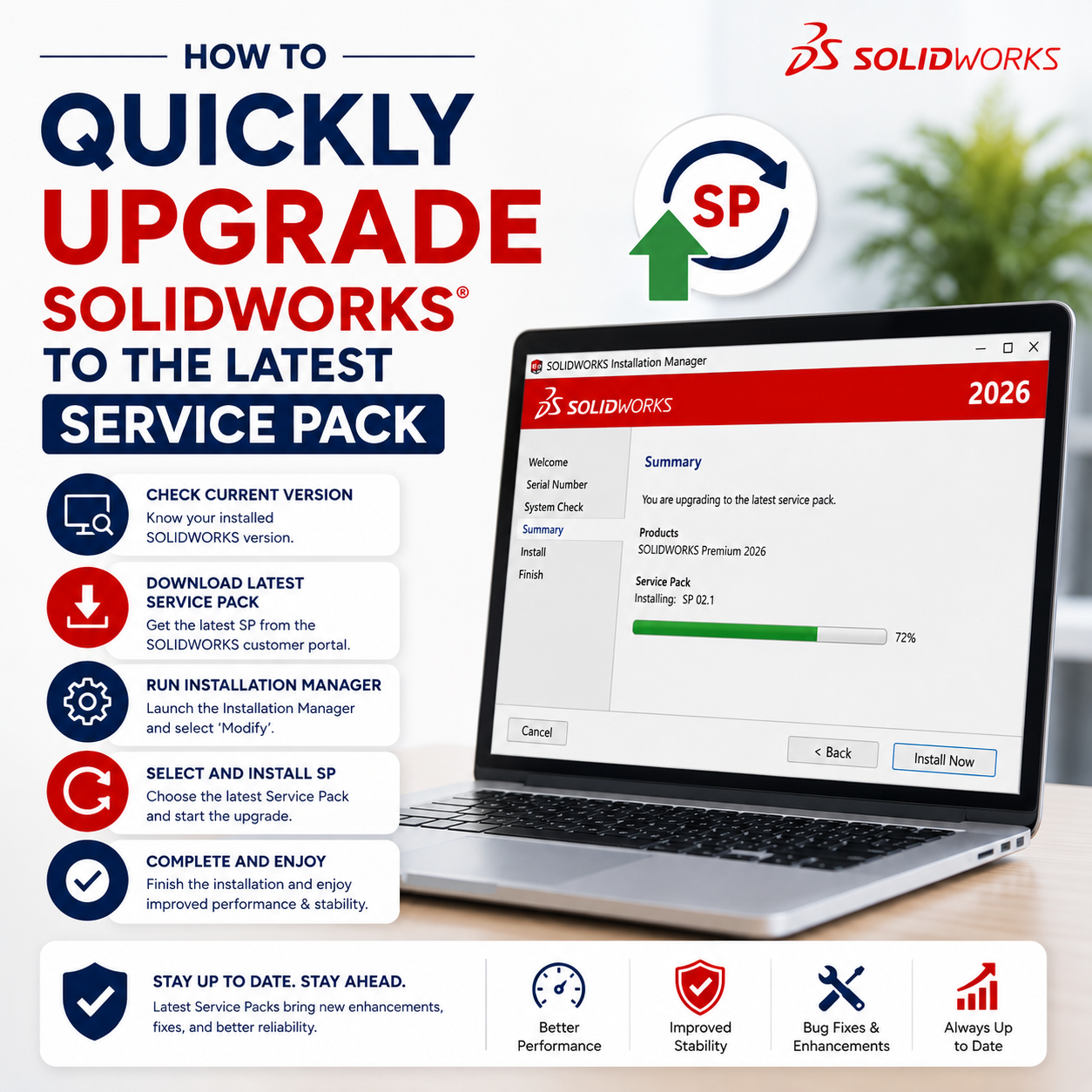
Keeping your SOLIDWORKS installation up to date with the latest service pack ensures you benefit from the newest enhancements, performance improvements, and bug fixes. Fortunately, updating to a newer service pack is quick and easy using the built-in SOLIDWORKS Installation Manager. Follow the steps below to update your installation with [...]

Modern manufacturers are under pressure to machine faster, reduce scrap, and adapt quickly to design changes, all while facing skilled labor shortages and rising costs. Watch our on-demand webinar and discover how machining with SOLIDWORKS streamlines the entire process from design through CNC programming. Learn how integrated CAM capabilities enable [...]

In most cases, the SOLIDWORKS Installation Manager can successfully repair, modify, or upgrade an existing installation without requiring a complete removal of the software. However, in certain situations, performing a clean uninstall may be necessary. A clean uninstall completely removes SOLIDWORKS and its associated components from your system. This process [...]

How Artificial Intelligence transforms the way we design and engineer The growing power of AI is a hot topic, with many humans wondering if machines will replace us in creative fields. At SOLIDWORKS, we believe AI-powered design tools are meant to enhance the way we work, not take over the work [...]

One of the most common requests from the Technical Support team is for users to provide their SOLIDWORKS serial number, installed version, and service pack. This information helps the support team accurately identify your installation and provide faster, more effective assistance. The following methods will help you quickly locate your [...]
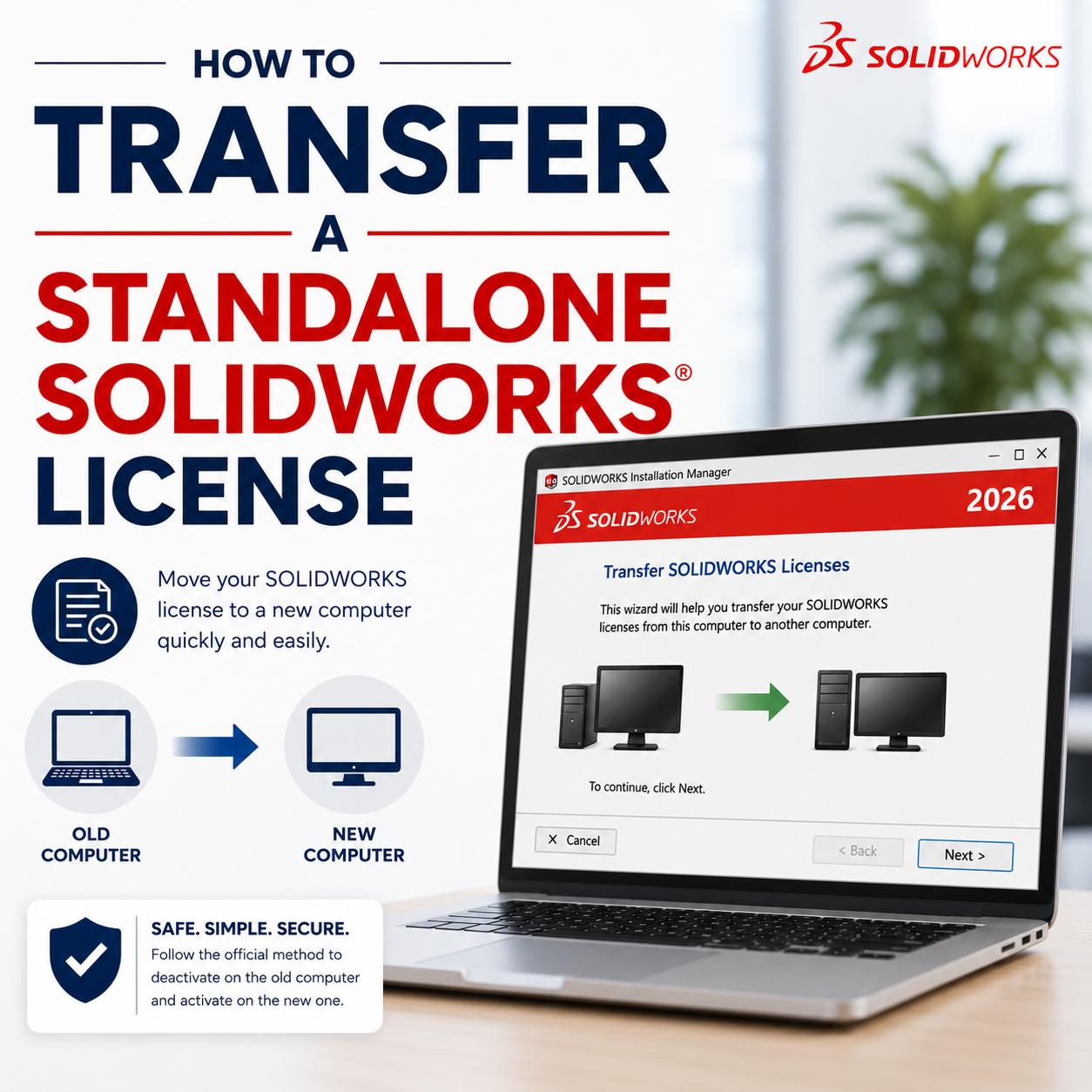
SOLIDWORKS Standalone licenses (serial numbers starting with 9000) are activated for use on a single computer and are linked to that system's hardware. To move the license to another computer, deactivate it on the current machine and then activate it on the new computer using the steps below. Common situations [...]
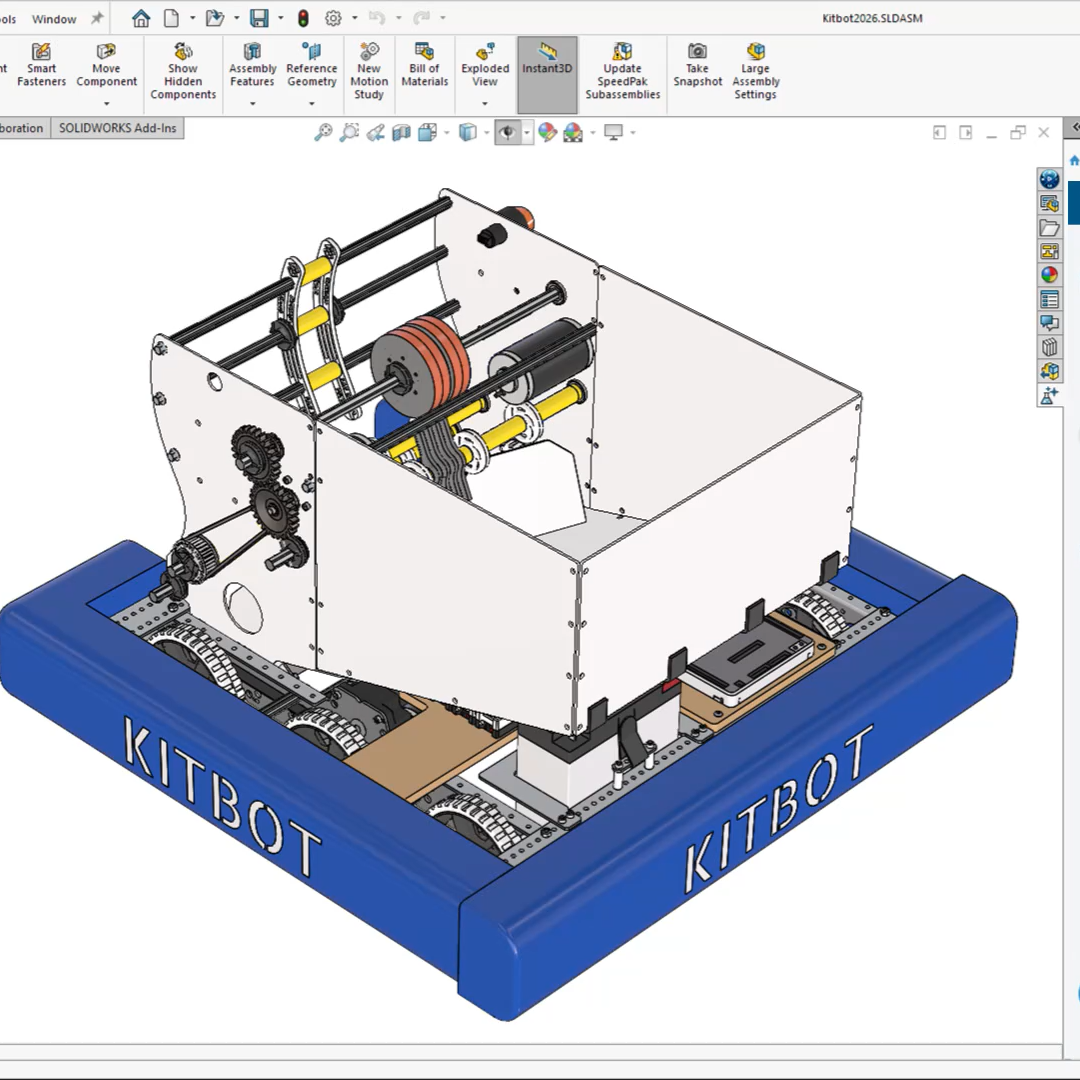
Are you and your team spending too much time on manual updates and repetitive work? It’s easy for errors and extra rework to creep in when knowledge stays siloed across different people. There’s a better way. SOLIDWORKS AI works right inside your CAD environment. You’ll get built-in tools and Virtual Companions that automate the routine parts of [...]
Ultimate Blog – FAQs, News and Eventsadmin2026-04-26T11:58:21+00:00
