
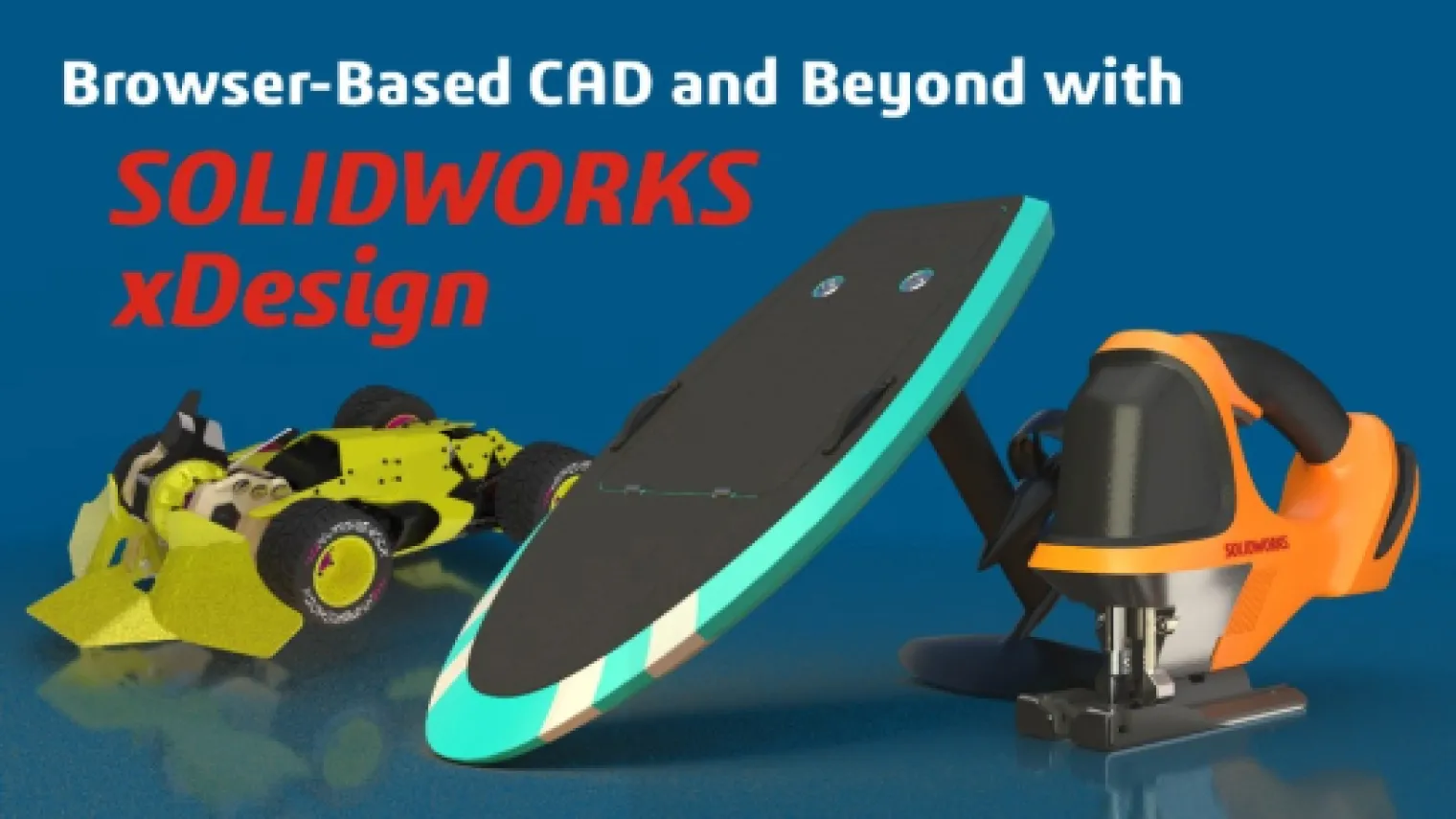
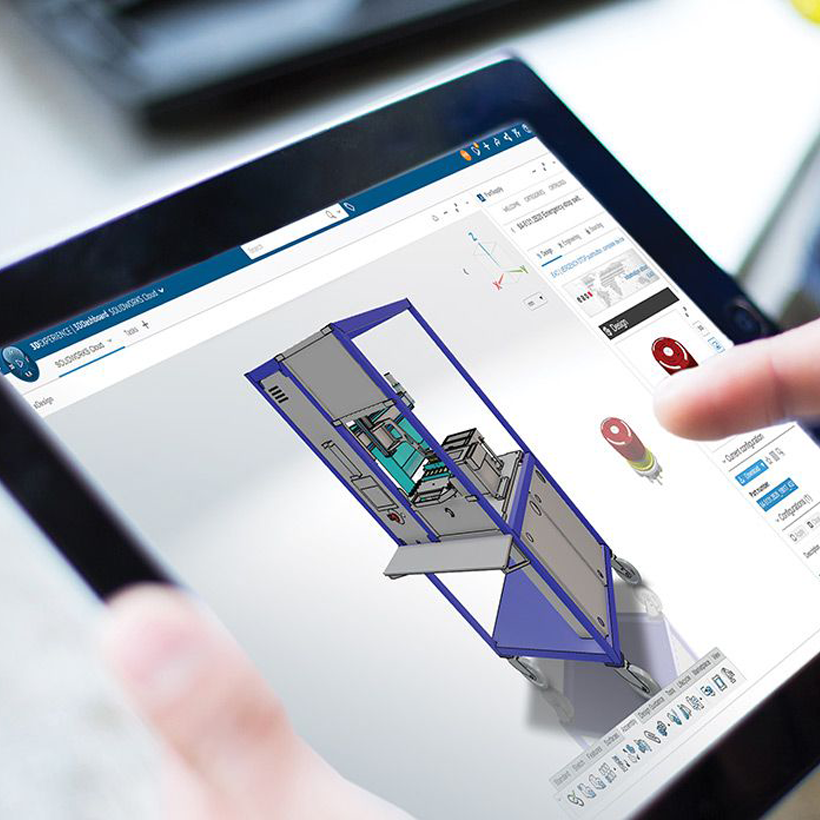
Watch now to explore the powerful, browser-based CAD features of SOLIDWORKS xDesign - a modern, cloud-native solution designed for today’s engineers. Access a full suite of design and data management tools from any internet-connected device. Industry Process Consultants Gian Calise and Noah Zeiff provide an in-depth overview of key capabilities, [...]

In today’s competitive manufacturing environment, efficiency, precision, and flexibility are no longer optional—they’re essential. Watch now as we take an in-depth look at SOLIDWORKS Machining Offers, a unified set of tools that connect design to manufacturing on one platform. You’ll discover how integrated CAD/CAM, Virtual Factory simulation, and robotics programming [...]
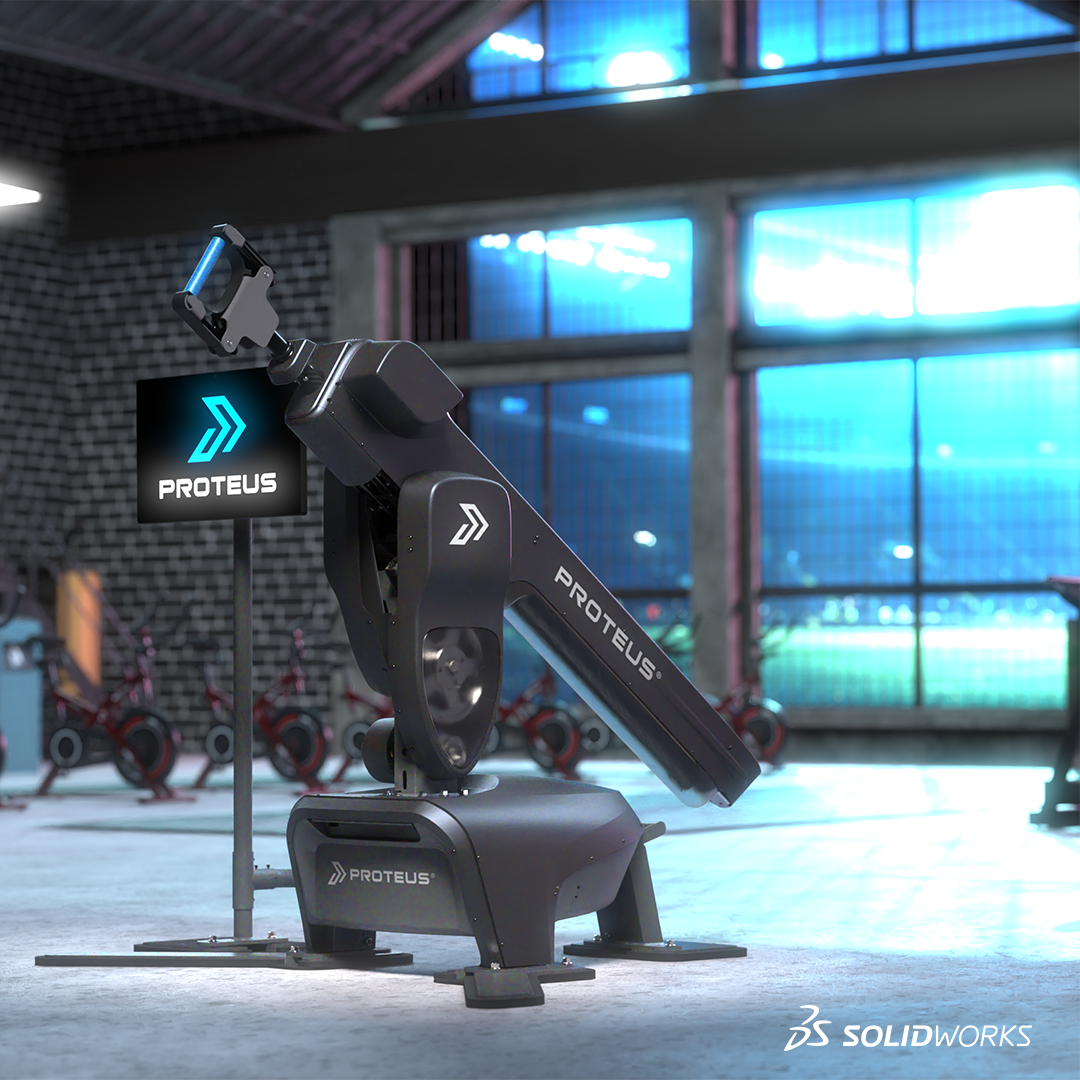
I work as a mechanical engineer and as a designer. Most companies try to re-use the same inventory and parts if they can. You can use Document Groups to help you organize your SOLIDWORKS files into categories to help you locate the parts you need for new designs and assemblies. [...]
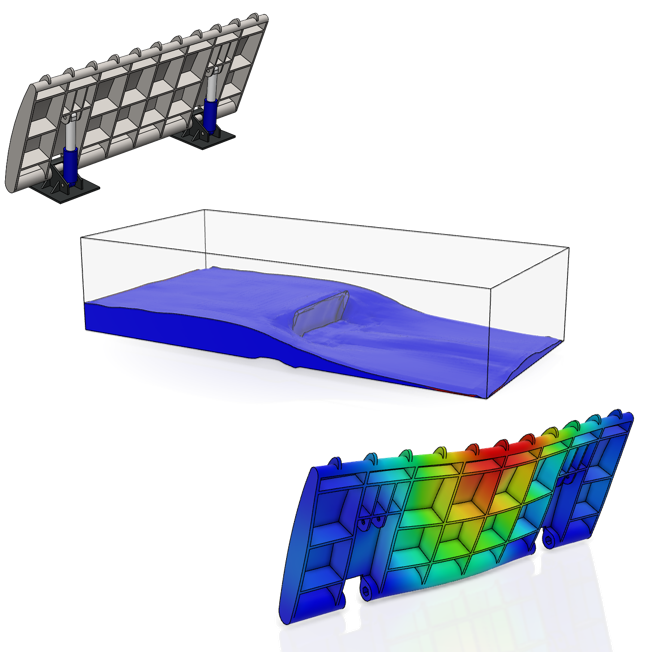
SOLIDWORKS users may be familiar with CAD-embedded simulation through exposure to tools such as SOLIDWORKS Simulation and SOLIDWORKS Flow Simulation for solving engineering problems with Finite Element Analysis (FEA) and Computational Fluid Dynamics (CFD). These tools can serve as both an excellent introduction to Computer Aided Engineering (CAE) in general [...]

Gone are the days of limiting electrical design to slow, disconnected 2D tools that stifled collaboration and drove up costs. With intelligent ECAD tools, electrical design enters the world of 3D, seamlessly integrating 2D and 3D spaces for smoother teamwork, faster workflows, and better results. 3D modeling, testing, and visualization [...]
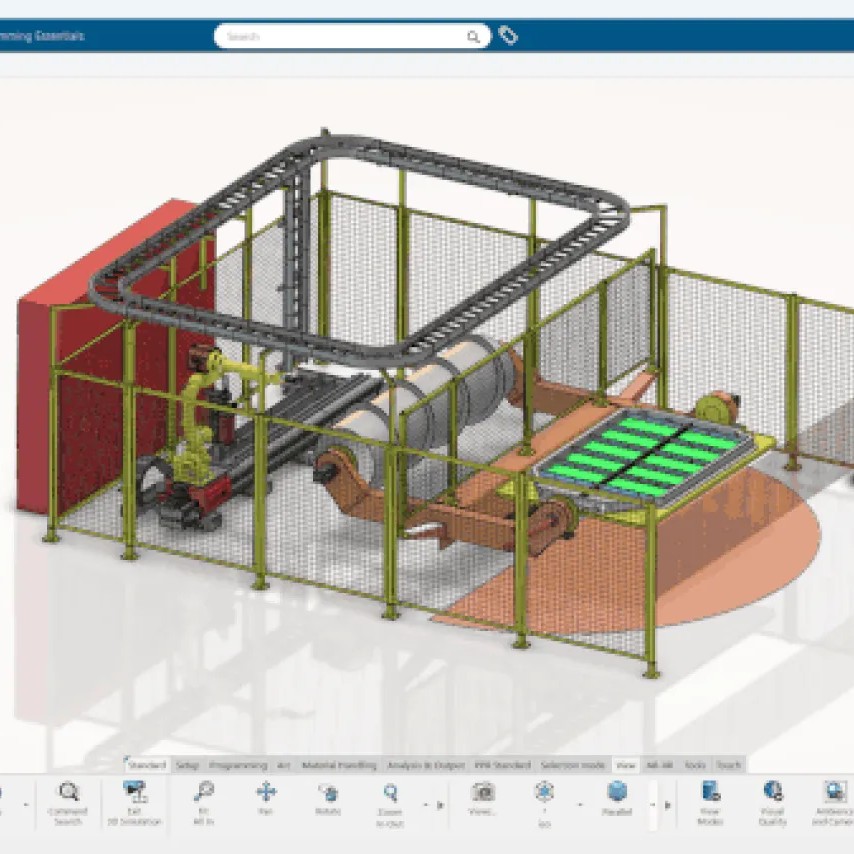
Take control of your robots like never before. Watch now to discover how SOLIDWORKS Robot Programming empowers you to design, program, and simulate industrial robots — all without disrupting production. During this on-demand webinar, you’ll learn how to: Program using your CAD model — eliminate manual coding and reduce setup time. [...]
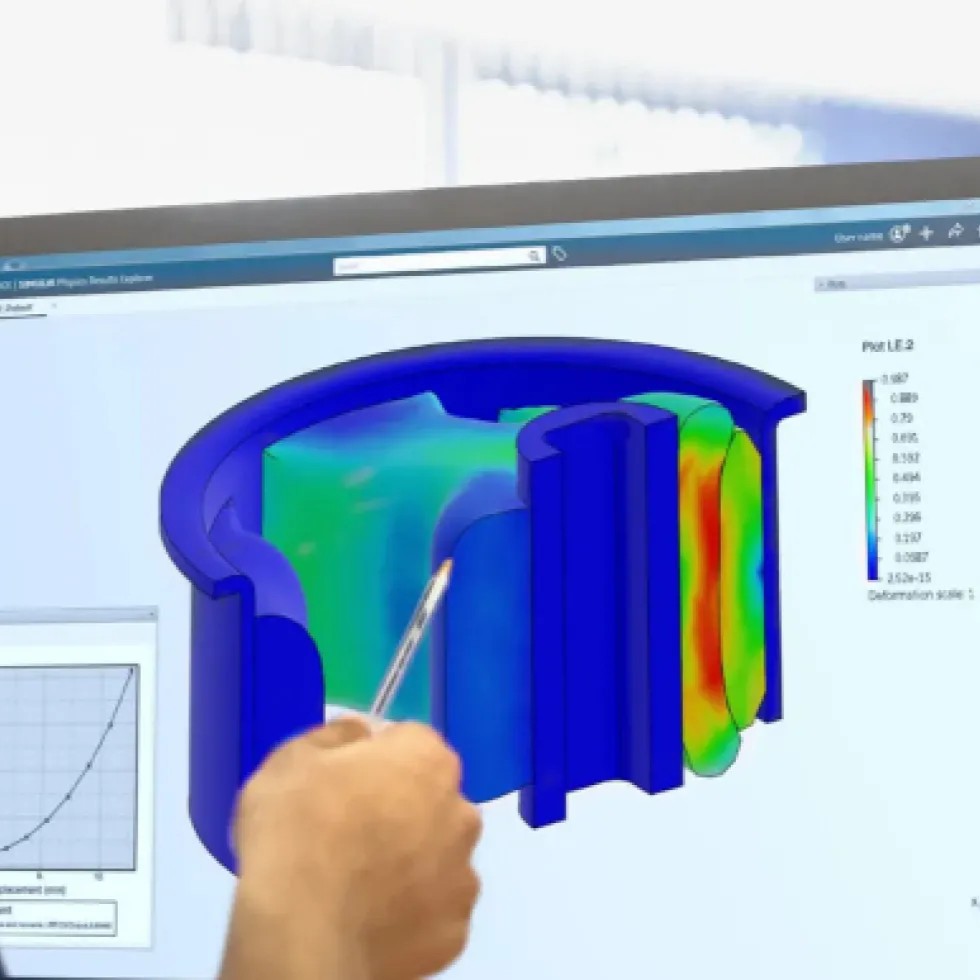
Watch now to learn how the 3DEXPERIENCE platform helps high-tech device designers connect every step of their workflow - from concept to performance validation - within a unified environment. Throughout this recording we showcase a connected design-to-simulation workflow using a high-tech device model and explore how to: Accelerate innovation by unifying [...]

When you encounter issues in SOLIDWORKS, one of the best places to begin troubleshooting is by using the SOLIDWORKS Safe Modes. SOLIDWORKS offers two safe modes: Software OpenGL and Bypass Tools/Options Settings. This article focuses on the Software OpenGL safe mode—explaining how to access it, what it does behind the [...]

What happens when you open an assembly? When opening an assembly, hundreds or thousands of parts are loaded. When these parts also have complex shapes, the loading time quickly runs high. Great for your colleagues, because you can provide them with a cup of coffee in between, but not pleasant [...]
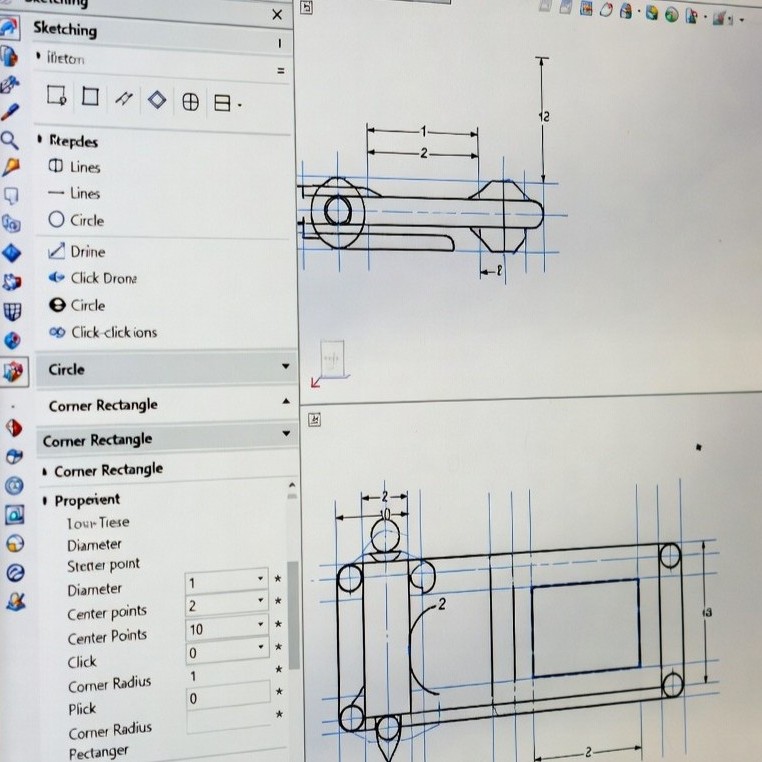
What sketching methods are available in SOLIDWORKS? In SOLIDWORKS sketching, you will typically use one of two main methods. The first is the click-and-drag method: click and hold the mouse button, drag the cursor to create the entity, and release the button to finish. The second method is the click-click [...]

The SOLIDWORKS Installation Manager is a lightweight application used to download and install all of the SOLIDWORKS products. This can be downloaded by logging into the SOLIDWORKS Downloads website with a 3DEXPERIENCE ID. The 3DEXPERIENCE ID used must be associated with an account with an active subscription. Based on the license information entered [...]

Watch now as we explore how SOLIDWORKS Composer and Inspection can help document your manufacturing processes, such as work instructions and inspection reports. In this on-demand webinar, we explore how SOLIDWORKS Composer can help you repurpose your 3D engineering models for creating graphical content to explain processes and procedures in technical communications, [...]

Discover SOLIDWORKS Ultimate in this exclusive webinar. SOLIDWORKS Ultimate is the most complete solution in the SOLIDWORKS portfolio, designed to support the entire product development lifecycle - not just CAD design. Building on the capabilities of SOLIDWORKS Premium, it includes full-featured desktop CAD tools such as 3D part and assembly [...]
SOLIDWORKS 2026 is here, with the countless enhancements added to the portfolio each release, it’s hard to keep track and understand what the key standout improvements are. Here are the best things about SOLIDWORKS 2026. Cosmetic Changes for Rebuilds: Save time and be in control of rebuilds. This enables you to [...]
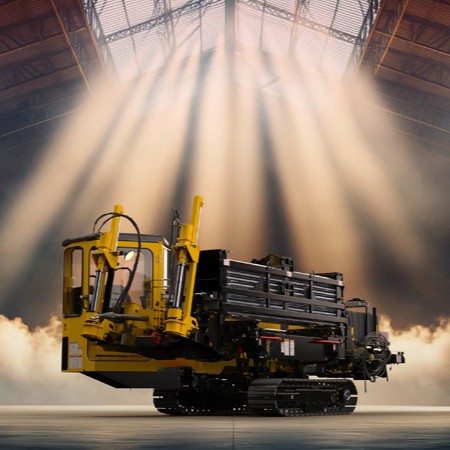
This year marks the 30th anniversary of SOLIDWORKS, a milestone that reflects its long-standing legacy of usability and its continued to empowering design and engineering professionals. With the upcoming SOLIDWORKS 2026 release (arrived in November), we are pleased to highlight several of the most impactful new capabilities. From [...]
Since its launch in 1995 as the first professional 3D CAD tool for Windows, SOLIDWORKS has transformed product design by making powerful 3D modeling accessible and affordable. What once required costly UNIX-based systems became available to all engineers, with an intuitive interface that reduced training from months to days. Over [...]
Creating a 3DEXPERIENCE ID is the first step to unlocking the full potential of Dassault Systèmes’ collaborative platform. The process is designed to be simple, secure, and user-friendly, ensuring that every user can quickly gain access to the tools, communities, and solutions they need. 1. 3DEXPERIENCE ID creation workflow Log [...]
Ultimate Blog – FAQs, News and Eventsadmin2025-10-01T07:24:17+00:00