
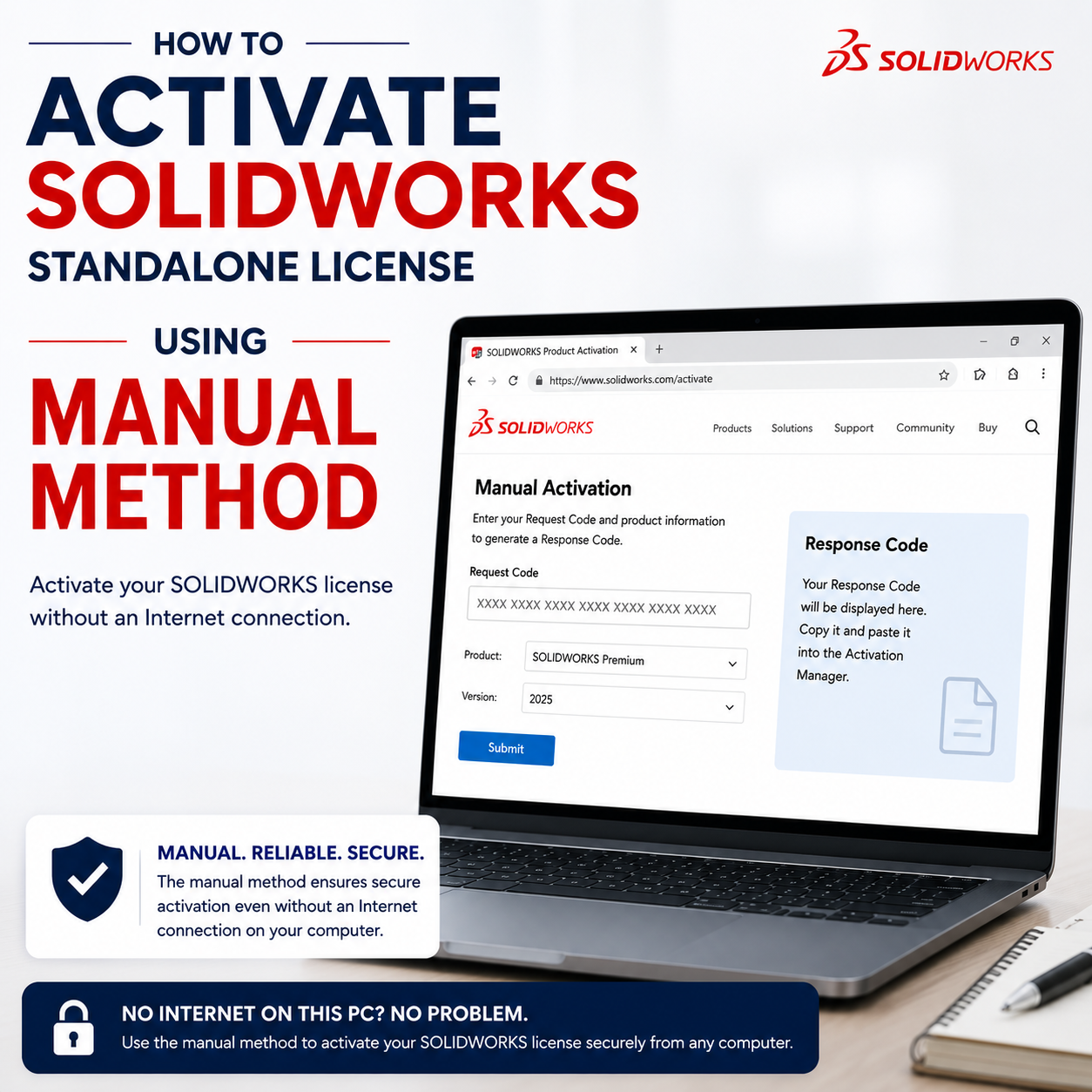
If the computer is not connected to the internet or if your organization’s security system blocks connection to the activation server, then you can use this option to create a license activation text file to email from a machine with internet connection to the activation server system. The text file [...]
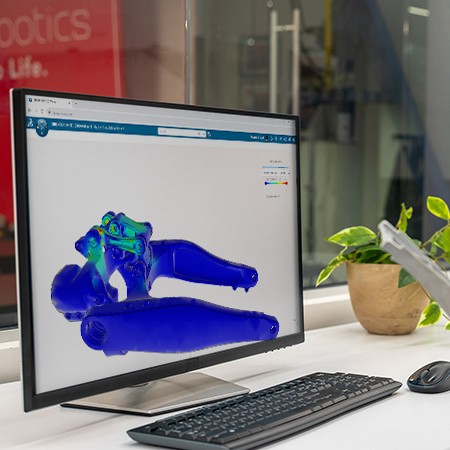
Simulation-driven design doesn’t need to be complex Discover how anyone can take advantage of intuitive simulation solutions to make better design decisions with our new eBook, “The Top Reasons Why Engineers Should Learn Simulation." Key Takeaways This guide explains how integrating simulation into your design workflow helps you: 🚩 Catch [...]
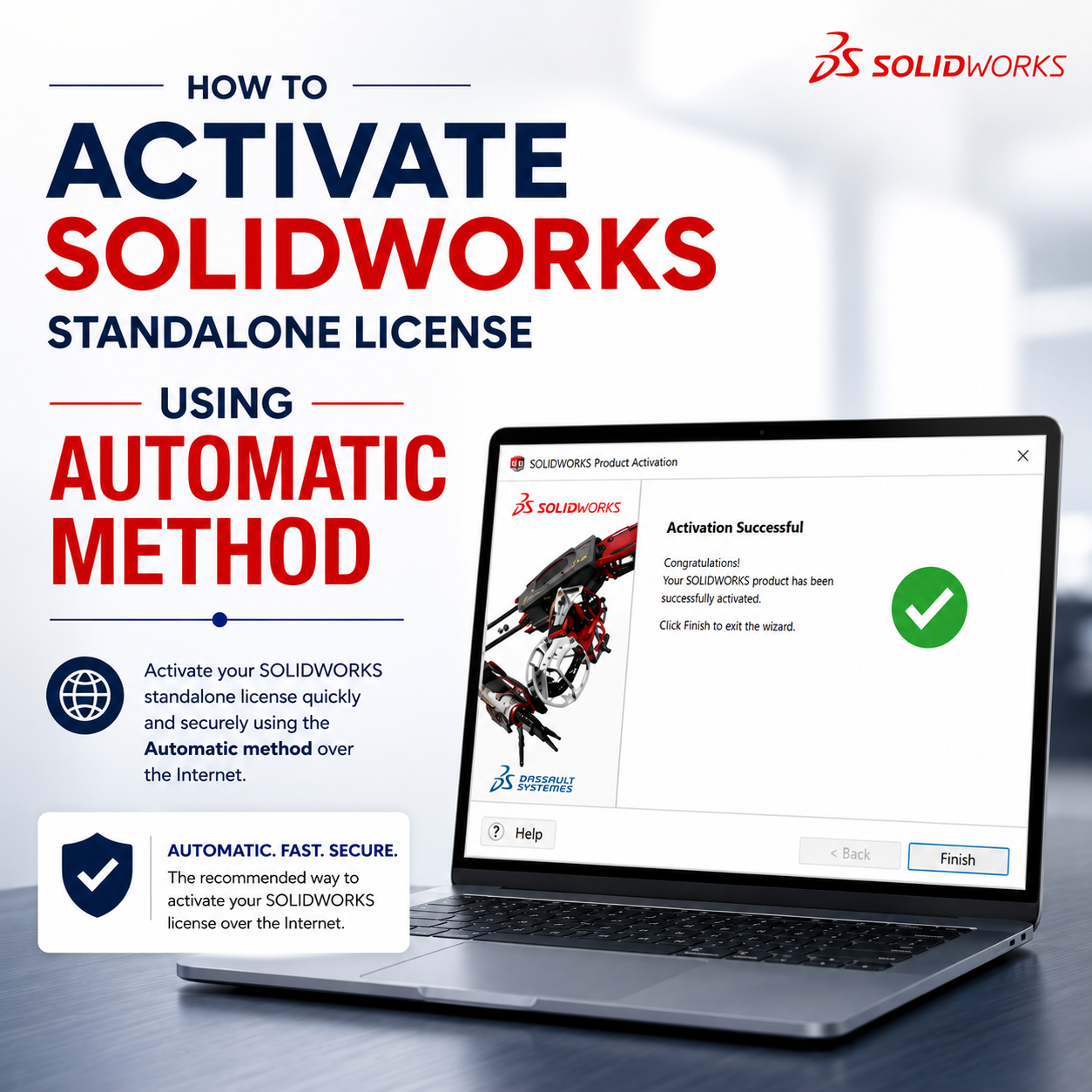
Following the installation of a SOLIDWORKS product with a standalone license (serial number starting with 9000), license activation is required before the software can be launched and used. Note: An internet connection is required for this transaction. 1. Launch SOLIDWORKS 20xx, chose the option “I want to activate my SOLIDWORKS [...]

Explore our eBook, "Choosing the Right CAD Tool for Small Teams," designed to address your core challenges with direct, actionable solutions in six critical areas: Collaboration: How does your team ensure clear communication and unified efforts across locations and departments? Efficient Innovation: Are constraints stifling creativity, or can you rapidly iterate and experiment [...]
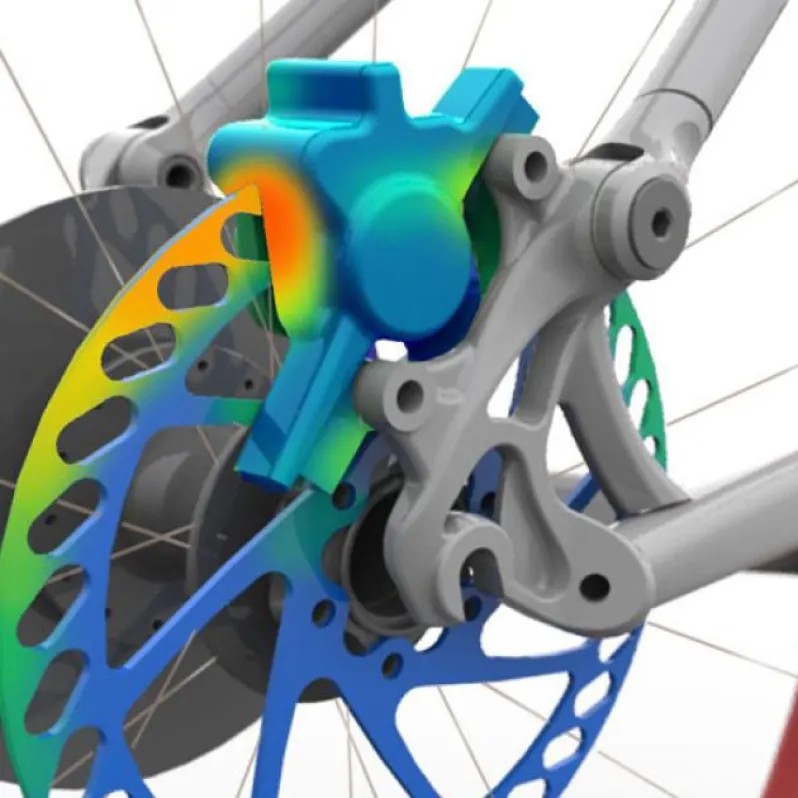
You design in SOLIDWORKS—but how do you know your design will actually work in real life? Watch our on-demand webinar now to get a clear, practical introduction to simulation and how it fits into your SOLIDWORKS design process. You’ll see real examples of how engineers use simulation to answer everyday design [...]
Managing course logistics while driving student engagement is a constant challenge for higher education professionals. The 3DEXPERIENCE platform provides a direct, cloud-based solution to this problem. We built this environment to work directly with your existing SOLIDWORKS curriculum. The new Teacher role allows you to organize courses, track student progress and prepare your [...]
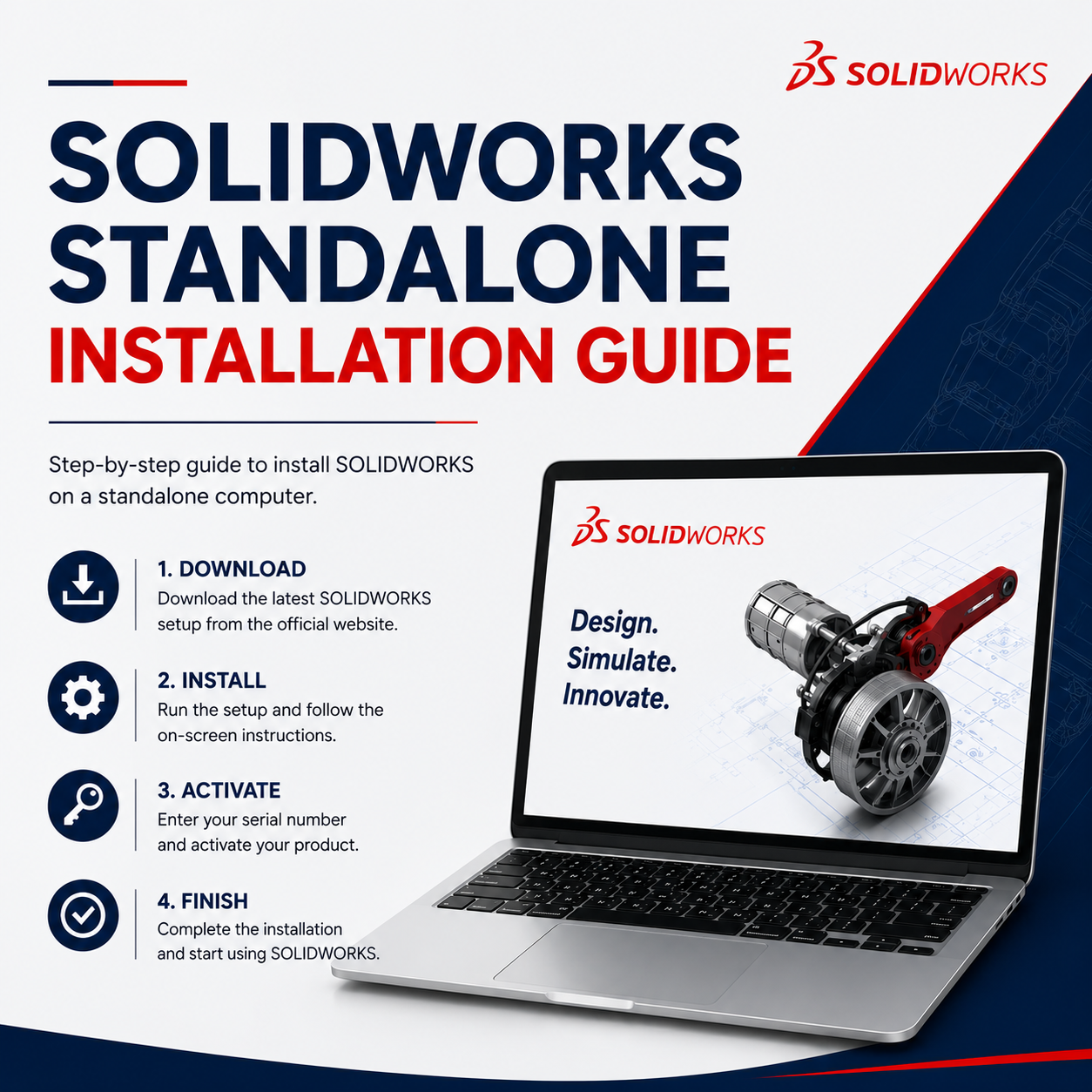
The following instructions are for SOLIDWORKS products that will be installed directly on the computer in a standalone workstation environment. Launch the SOLIDWORKS Installation Manager by double-clicking on setup.exe as "Run as administrator" in the root download folder. 2. Click “Ok” to continue. 3. Select the option “Install on this [...]
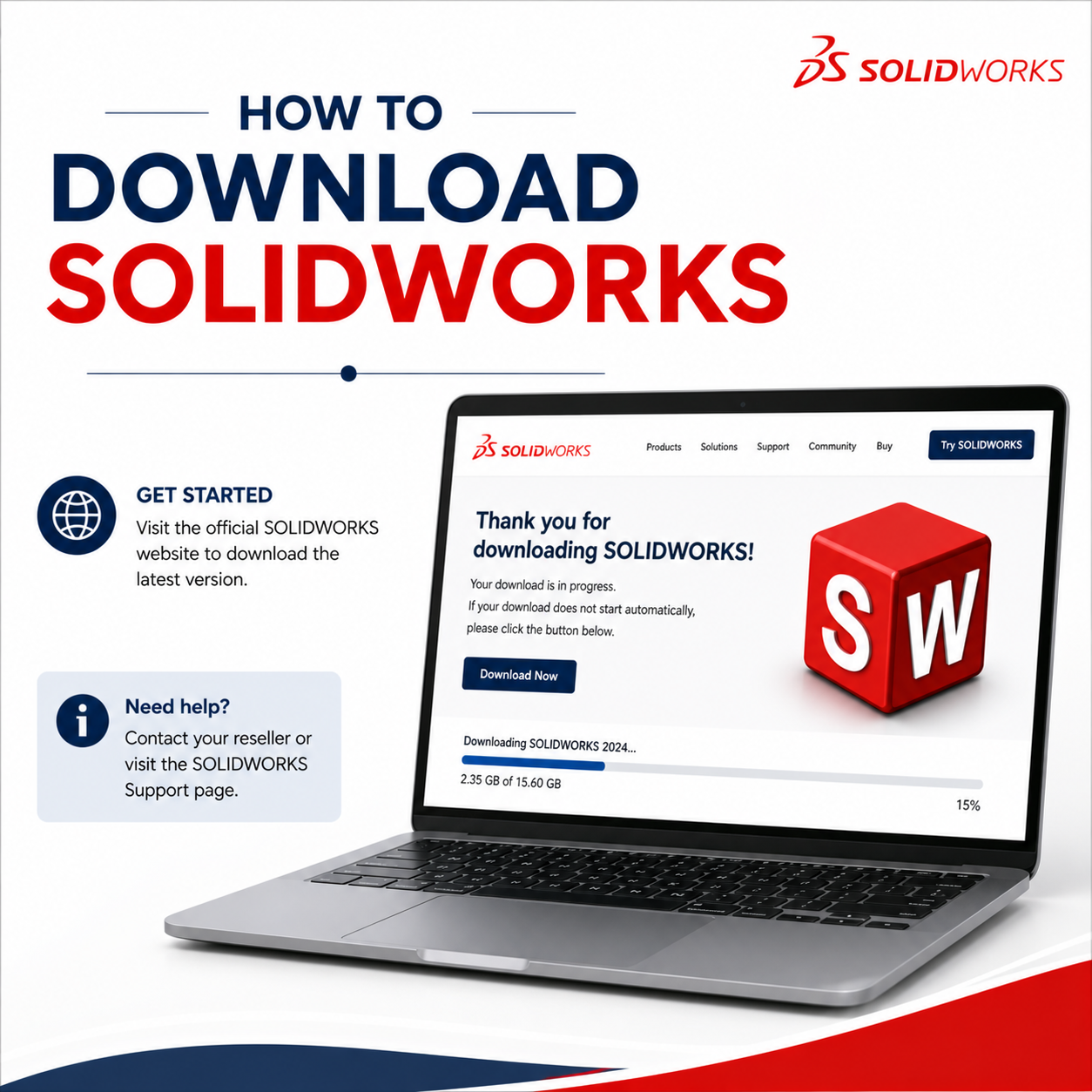
Download from the SOLIDWORKS website Go to https://www.solidworks.com/sw/support/downloads.htm Click on Log in. Enter your 3DEXPERIENCE/SOLIDWORKS ID credentials. If the ID is not available, create your 3DEXPERIENCE ID Select the version and then click the SOLIDWORKS Products with corresponding Service Pack. It will download the SOLIDWORKS Installation Manager file. Accept the [...]

SOLIDWORKS 2026 includes some of our biggest enhancements yet! Selective Loading, AI-powered drawing automation, fastener recognition, AURA AI virtual companion, a streamlined 3DEXPERIENCE platform, and auto-mating are here to help you save time, reduce manual effort, and improve design accuracy. Watch now as we explore the top user-driven enhancements in Design, [...]
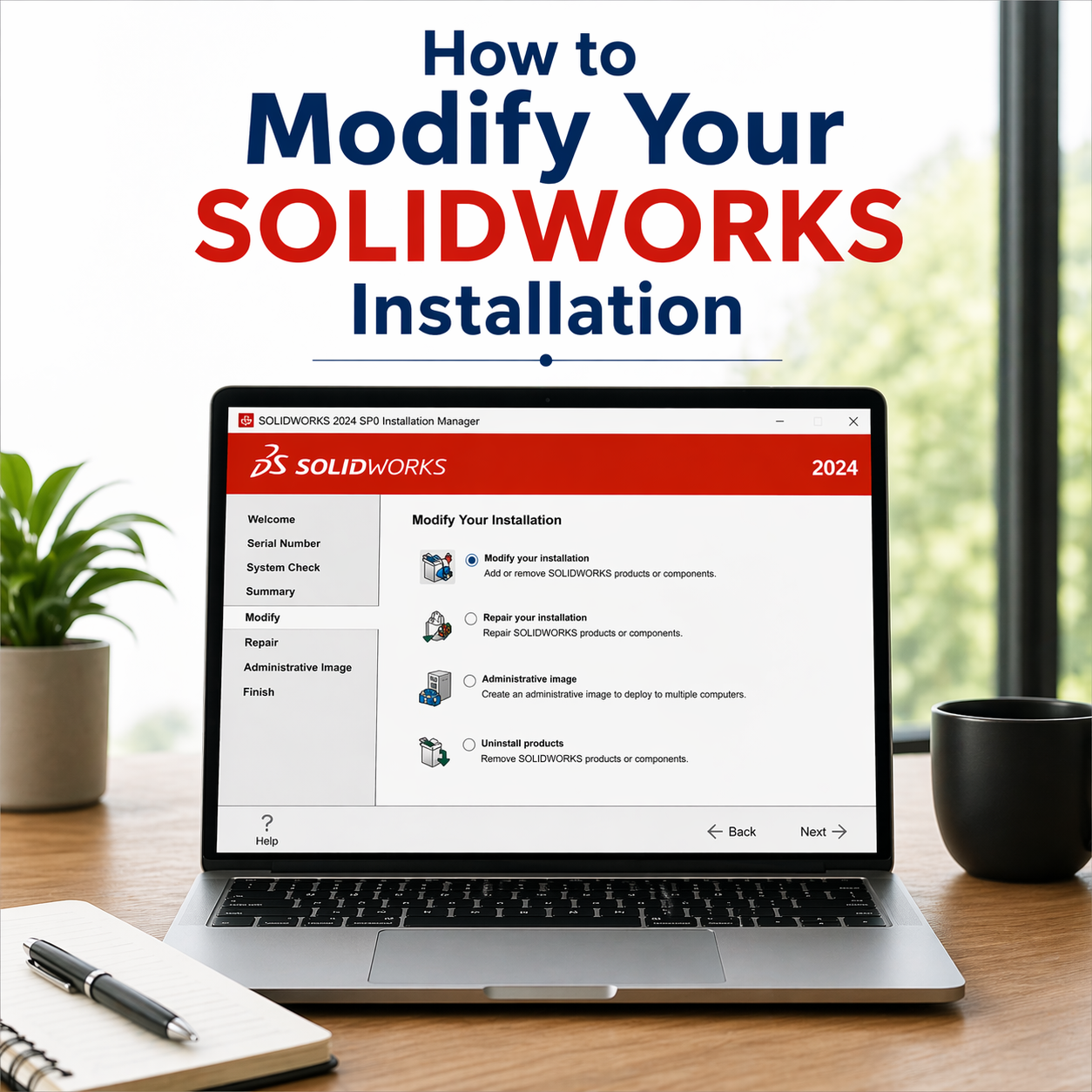
Modifying your standalone SOLIDWORKS installation allows you to add or change serial numbers, as well as update the components installed on your system. With the SOLIDWORKS Installation Manager, this process is quick and straightforward—you can make these changes without uninstalling the software or editing the Windows Registry. Here are some [...]

Why SOLIDWORKS Certification? SOLIDWORKS Certification is a symbol of ones knowledge, skill, and competency with SOLIDWORKS. Looks good on the resume — Having a SOLIDWORKS certification on your resume is a booster because it represents your knowledge and competency using the software to somebody who hasn’t seen your work. Looks [...]

The growing power of AI is a hot topic, with many humans wondering if machines will replace us in creative fields. At SOLIDWORKS, we believe AI-powered design tools are meant to enhance the way we work, not take over the work for us. We achieve this with the Design Assistant, found [...]
Step 1: Right click the “Setup” file from the installation folder and select “Run as administrator”. Step 2: Click “Yes” to accept. Step 3: Click “Ok” to continue. Step 4: In the installation process is to select the type of install required from the four choices. In this example we [...]
Transform your Classroom with industry-leading 3D CAD Tools and much more. Are you ready to revolutionize your classroom? With SOLIDWORKS, you can equip your students with the skills they need to excel in STEM and give them the start they need in the real world. But do you REALLY know all [...]
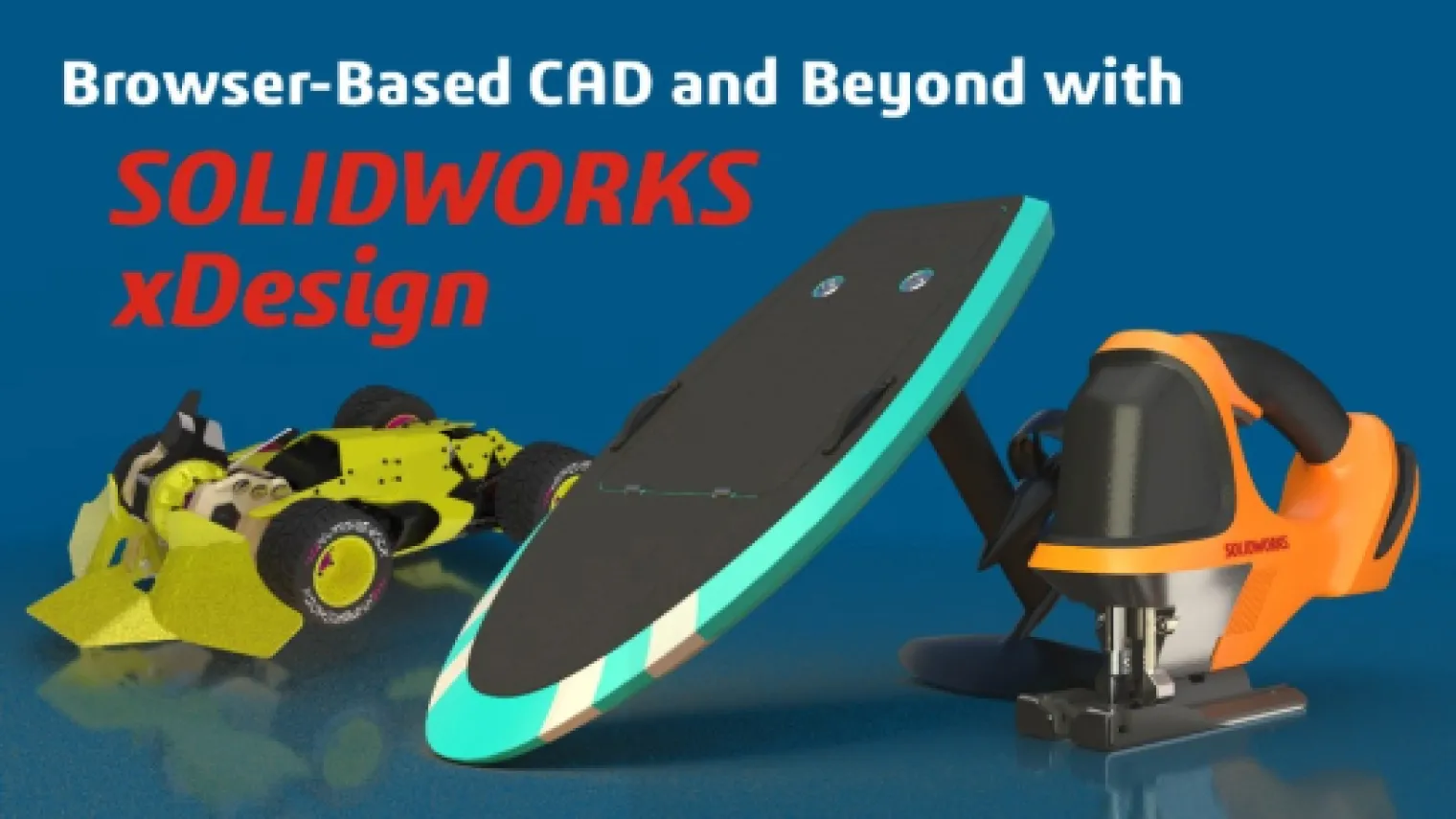
Watch now to explore the powerful, browser-based CAD features of SOLIDWORKS xDesign - a modern, cloud-native solution designed for today’s engineers. Access a full suite of design and data management tools from any internet-connected device. Industry Process Consultants Gian Calise and Noah Zeiff provide an in-depth overview of key capabilities, [...]

In today’s competitive manufacturing environment, efficiency, precision, and flexibility are no longer optional—they’re essential. Watch now as we take an in-depth look at SOLIDWORKS Machining Offers, a unified set of tools that connect design to manufacturing on one platform. You’ll discover how integrated CAD/CAM, Virtual Factory simulation, and robotics programming [...]
I work as a mechanical engineer and as a designer. Most companies try to re-use the same inventory and parts if they can. You can use Document Groups to help you organize your SOLIDWORKS files into categories to help you locate the parts you need for new designs and assemblies. [...]
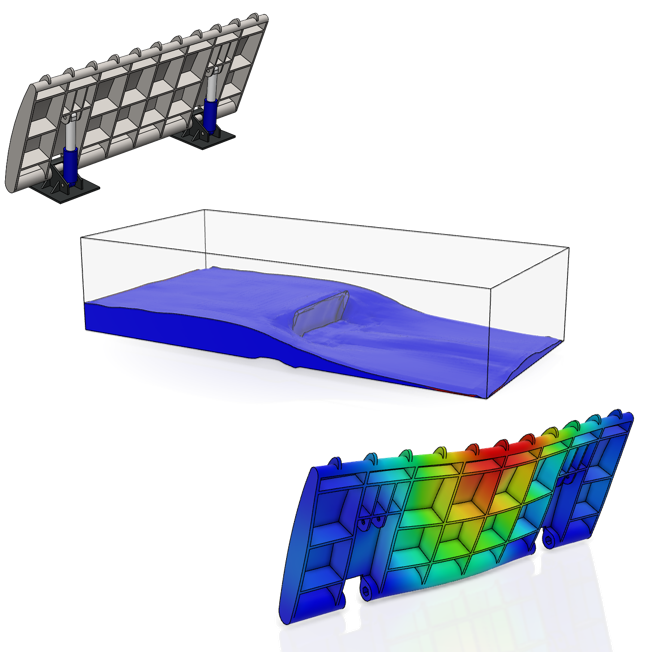
SOLIDWORKS users may be familiar with CAD-embedded simulation through exposure to tools such as SOLIDWORKS Simulation and SOLIDWORKS Flow Simulation for solving engineering problems with Finite Element Analysis (FEA) and Computational Fluid Dynamics (CFD). These tools can serve as both an excellent introduction to Computer Aided Engineering (CAE) in general [...]

Gone are the days of limiting electrical design to slow, disconnected 2D tools that stifled collaboration and drove up costs. With intelligent ECAD tools, electrical design enters the world of 3D, seamlessly integrating 2D and 3D spaces for smoother teamwork, faster workflows, and better results. 3D modeling, testing, and visualization [...]
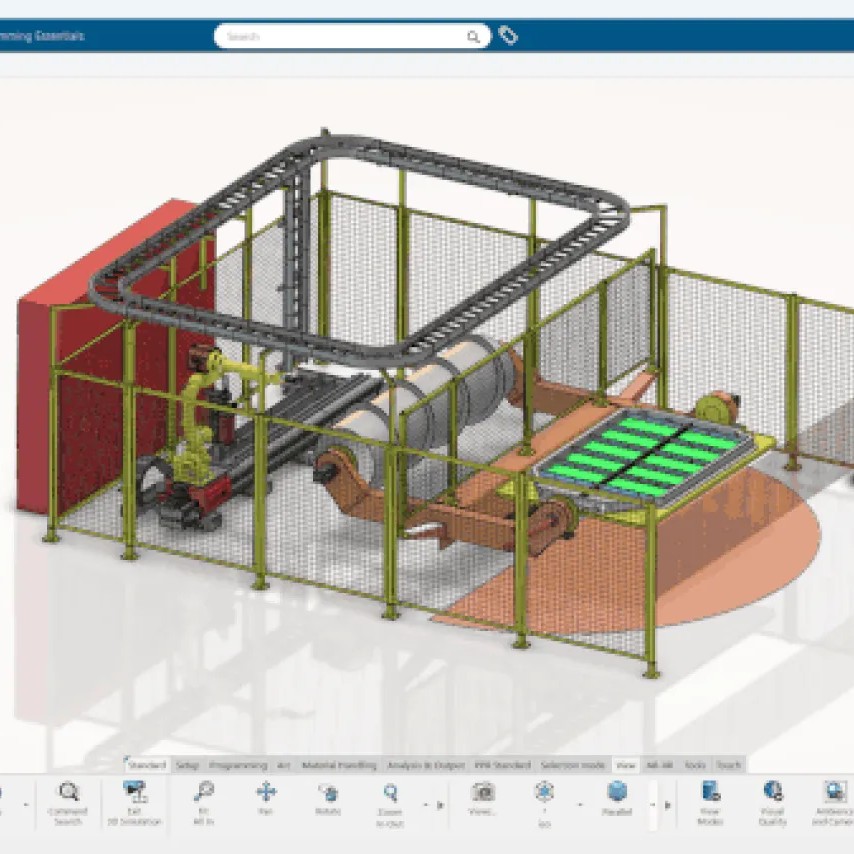
Take control of your robots like never before. Watch now to discover how SOLIDWORKS Robot Programming empowers you to design, program, and simulate industrial robots — all without disrupting production. During this on-demand webinar, you’ll learn how to: Program using your CAD model — eliminate manual coding and reduce setup time. [...]
Ultimate Blog – FAQs, News and Eventsadmin2026-04-26T11:58:21+00:00